
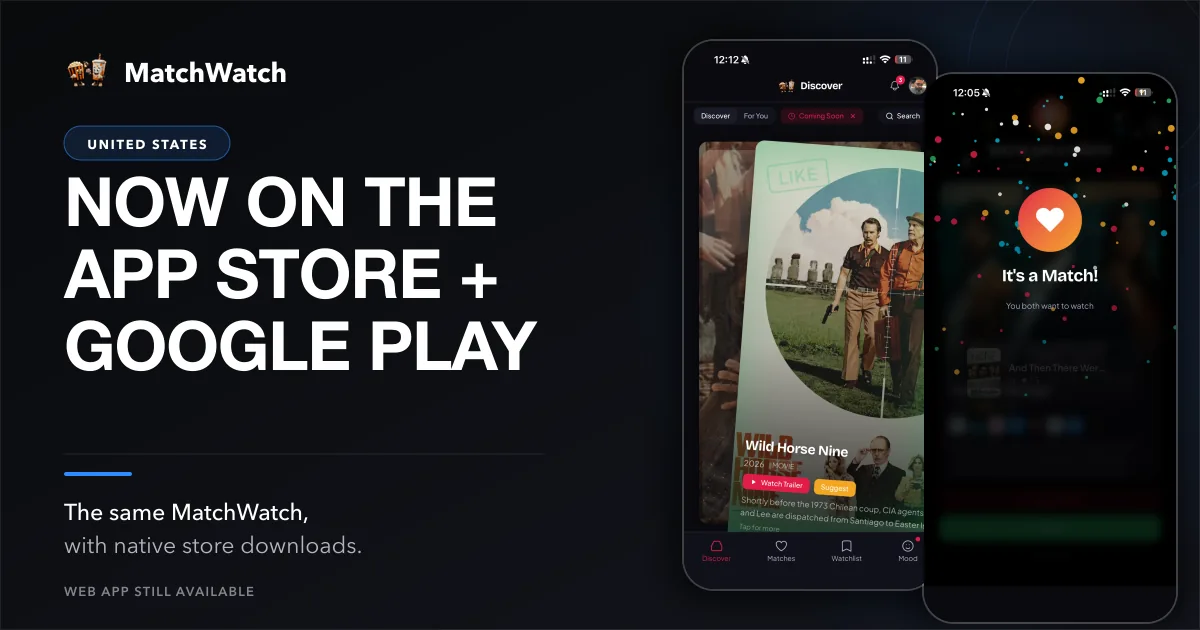
MatchWatch is now available through the App Store and Google Play in the United States, which gives a group another way to open the same decision tool before somebody starts a fresh search on every streaming service. The responsive web app has already worked on phones, and the installable progressive web app remains available for people who prefer a browser or a Home Screen shortcut. This is a store-distribution launch, not a claim that MatchWatch has only now learned how to work on mobile. It is a choice about where you open it when the room has plenty of opinions and no favourite that everyone shares.
MatchWatch was released on Apple’s App Store on 17 August 2026. The current version is 1.0.1, updated on 18 August. The US App Store listing takes iPhone and iPad owners straight to the regional page. Android is available through Google Play under the public package tv.matchwatch.app. The web app remains open to people who would rather not install anything, whether they are on a phone, tablet or computer.
Choose the version that suits you
Use the App Store for iPhone or iPad. Use Google Play for Android. Use the web app if a browser is the better fit. MatchWatch is available on web, iPhone, iPad and Android, and none of those routes asks you to build a separate group. The device choice can stay boring, which is ideal. It should take less thought than deciding whether the group has the energy for a serious drama after a long day.
The US getting-started guide gives the current setup in a short sequence. The US guide to how MatchWatch works covers the product logic once the app is open: individual choices stay private, then group matches show where enough people agree. It is a smaller job than picking a perfect film for everyone, and that is why it is useful.
Your group comes with you
The current sign-in options are Apple, Google or email. They return you to the same account, group and matches across supported devices. One person can begin on an Android phone, another can use an iPad, and someone else can open the web app on a laptop without starting from scratch. The continuity comes from the account and group, not from insisting that every person use the same storefront or screen.
That is practical for a couple, a family or a house full of people with different habits. Create the group once, share the invite, and let each person make their own choices. A shared shortlist is more useful when it is formed from private calls rather than a loud discussion where the fastest speaker has already nominated three films. The result is not a playback room. It is a better place to decide what to play next.
Built for the streaming services you use
The current US service roster in MatchWatch is Netflix, Disney+, Prime Video, Apple TV, Hulu, HBO Max, Peacock, Paramount+, Starz, AMC+, Discovery+, Tubi and MGM+. The US services overview shows the regional roster used by the product today. Choose the services your household actually uses before you swipe. Provider catalogues, plans and rights change, so that local setup is a more honest beginning than pretending every title will remain in the same place forever.
Service selection is not there to make the group do admin. It is there to cut down the irrelevant options. If the household has Hulu, Peacock and Tubi, those should shape the deck. If it has Netflix and HBO Max instead, start there. Then MatchWatch can do its present job: collect individual tastes and show the overlap, leaving the group with fewer options to debate and more chance of finding one it can watch tonight.
How to start a group
- Open MatchWatch through the web, App Store or Google Play option you prefer.
- Sign in with Apple, Google or email to link the group to your account.
- Create a group and send the invite to the people who are choosing with you.
- Pick your services, swipe separately and review the matches as a group.
The group can use different supported devices from the start. There is no need for every person to download the same app or give up a browser they already like. If somebody wants no install, the web app is a valid route. If someone else wants the App Store or Google Play version, that works too. What matters is that everyone can return to the group and take part in the decision without one person becoming the unpaid evening coordinator.
What comes next
The current MatchWatch product is already available to use: select your regional services, form a group, make private swipes, see the shared matches and make a final choice from the list that remains. The store release makes that current setup easier to discover on iPhone, iPad and Android. It does not close the web route or ask people to change how they use it. Pick the version that suits the household you have.
The new store badges are a simpler way in, not a different promise once you arrive. MatchWatch still has the modest job of helping several people get from a large catalogue to a defensible choice. Set the services you recognise, let everyone choose in private, and see whether the overlapping picks can stop the scroll before the evening becomes another meeting about what to watch.