
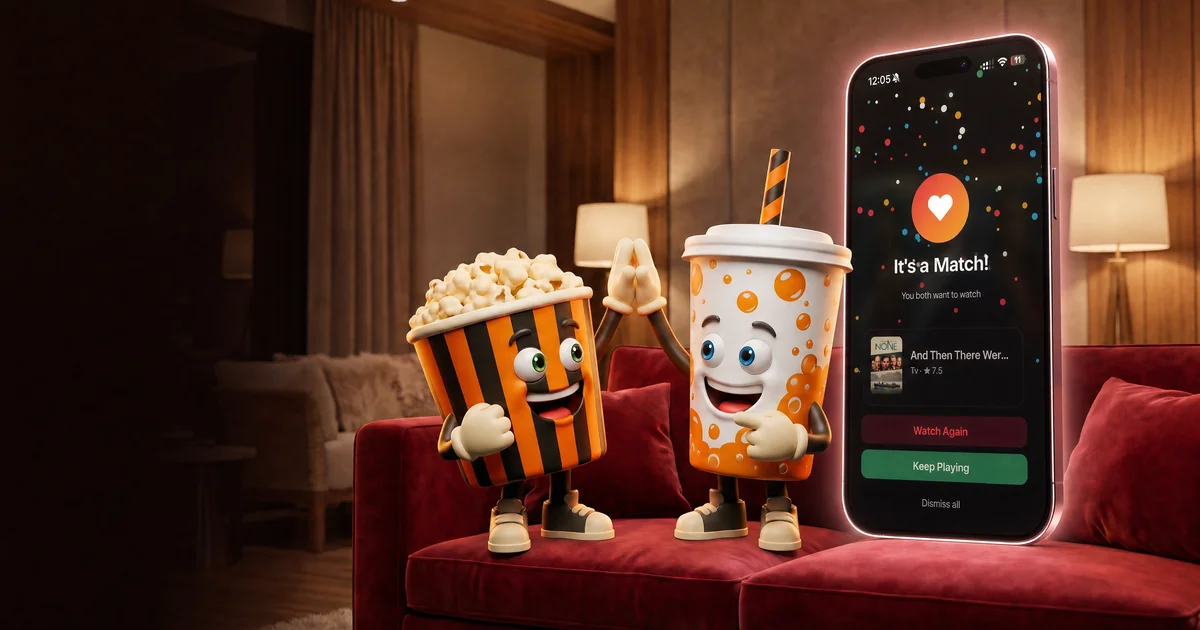
The flat has agreed to watch something together, which is excellent news until four separate home screens appear and everybody starts scrolling. MatchWatch works by giving each person a regional deck, recording private swipes and surfacing the films and shows that receive enough yeses to count as group matches. It handles the decision admin. You keep the snacks.
How does MatchWatch work from start to match?
First, create an account. The current sign-in options are Apple, Google or email. One person then creates a group and shares its invitation by code or email. Each person joins on their own device, chooses the region and services they use, and swipes through a deck shaped by those settings.
A right swipe means you would watch the title. A left swipe means skip it for now. Those decisions belong to the individual, not to a public scorecard. When enough people in the group independently swipe right on the same title, it becomes a match and appears in the shared list. Nobody has to nominate it first or perform a small speech about the cinematography.
The shorter setup lives in the UK MatchWatch guide. The social reason for separate swipes is covered in how to stop arguing about what to watch. One explains the buttons. The other explains why the buttons are preferable to giving the remote to whoever has the most confidence and the least shame.
An account and group come first
MatchWatch currently requires an account because swipes, groups, service settings, matches and notifications need to belong to the right person. The current MatchWatch UI is designed for groups of up to six people. That covers a couple, a family, a flat or the familiar gathering where two extra friends arrive after somebody has already ordered for the room.
Each person joins as themselves and can use MatchWatch on the web, iPhone, iPad or Android. The progressive web app remains an option; Apple's official instructions show how to add a website to the iPhone Home Screen. Sign in with Apple, Google or email to return to the same account, group and matches across supported devices.
Your UK services shape the useful deck
MatchWatch sits above the streaming services rather than replacing them. The current UK selection includes Netflix, Disney+, Prime Video, Apple TV, NOW, BBC iPlayer, ITVX, Paramount+ and Channel 4. Choose the ones your household can use, and the deck can focus on titles associated with those providers in the UK.
The UK services page is the maintained list. It also explains practical differences such as subscription, advertising and the TV Licence requirement attached to BBC iPlayer. Rights still move between platforms, so provider information is a current guide rather than a lifelong promise made by a thumbnail. Check again before planning the whole bank holiday around one title.
A match is a threshold, not a mystery
Two-person groups use unanimity: both people must swipe right. For groups of three or more, the default is 60 per cent of the active group, rounded up. In practice, that means two of three, three of four or five, and four of six. The calculation is simple because the discussion it replaces is not.
A match proves that enough people would genuinely watch the title. It does not start playback, buy a rental or tell the room the film is objectively good. It creates a smaller shared list with a reason for every entry to be there. The group can still check runtime, UK classification and where it is currently streaming before choosing tonight's answer.
Moods and the picker solve different problems
Mood filters act before swiping. They narrow or reshape the discovery deck around one of the current labels, such as Funny, Thriller, Kids or TV. Pick For Tonight acts later, after the group has built a match list. It makes a weighted random choice from eligible matches when the room has several approved options and no remaining enthusiasm for comparison.
Use the mood-filter guide when the deck is wrong for the evening. Use the Pick For Tonight guide when the match list is good but still too long. The order is useful: choose the room, swipe the deck, collect the matches, then settle the final title.
What MatchWatch does not do
MatchWatch does not stream the film, synchronise playback or run a remote viewing room. It does not guarantee that every person will adore a match. It finds common willingness, which is a more modest claim and a more practical one. The app gets the group to a defensible shortlist, then points you back towards the service carrying the title.
That is how MatchWatch works when nobody can pick: sign in, make a group, set the UK services, swipe separately and keep what clears the group threshold. You may still spend five minutes finding the remote under a cushion. Some forms of household administration remain beyond software.