
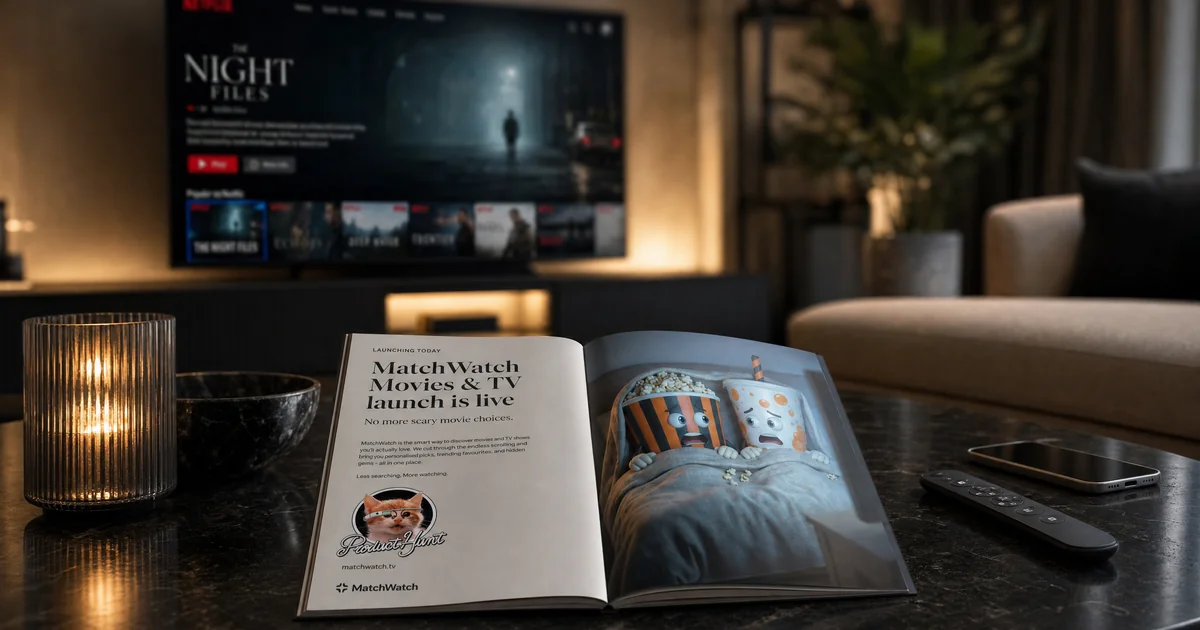
The launch tab was open, the product copy had been reread too many times, and MatchWatch had to explain itself without somebody standing beside it to fill in the gaps. The launch on 30 April 2026 gave the product a simple test: could a stranger understand why private swipes are better than another argument over the remote?
What did MatchWatch put on Product Hunt?
The MatchWatch page on Product Hunt introduced a working web app for couples, families, flatmates and friends who want one thing to watch together. Each person makes private yes-or-no choices. MatchWatch then surfaces the films and shows that receive enough yeses to become a group match.
That sounds obvious once it is running on the phones around a sofa. It is less obvious in a short launch description, where words such as matching, groups and recommendations can make a modest household tool sound like a management platform. The useful part of launching publicly was finding where the explanation needed to become plainer. MatchWatch is not trying to define good taste. It is trying to find the bit of several different tastes that overlaps.
The current guide to how MatchWatch works gives the complete route from signing in to seeing a shared result. The short version remains deliberately ordinary: choose the services available in the house, swipe separately, and let agreement appear without anybody having to pitch their choice to the room.
The group rules became easier to explain
A launch page quickly exposes any product rule that only makes sense after a guided tour. MatchWatch now states the matching logic directly. In a two-person group, both people must swipe right. In a group of three or more, the default threshold is 60 per cent of the active group, rounded up. That means two yeses out of three, three out of four or five, and four out of six. There is no threshold control for the group to tune.
The current interface is designed around a group of up to six people. That describes the setup people see today, not a hard claim about backend capacity. It is enough room for a couple, a family, a flat or the familiar arrangement where two friends appear after somebody has already counted the seats and ordered the food.
The private part matters as much as the maths. Nobody sees who rejected a title, and nobody has to make the first suggestion. The article on stopping the what-to-watch argument explains why that changes the mood in the room. A shared answer feels different when it arrives as an overlap rather than a victory.
Accounts made the product more useful between evenings
MatchWatch now uses account sign-in through Apple, Google or email. That lets swipes, groups, service choices, matches and notifications return to the right person. It also means a promising title does not have to vanish because somebody closed a browser tab after declaring that they would definitely remember it.
MatchWatch is available on the web, iPhone, iPad and Android. The progressive web app remains available for people who prefer a browser or Home Screen shortcut. Sign in with Apple, Google or email to return to the same account, group and matches across supported devices.
UK households also need a deck shaped by the subscriptions they can actually open. The maintained UK streaming services overview covers the local setup, including services such as Netflix, Disney+, Prime Video, Apple TV, NOW, BBC iPlayer, ITVX, Paramount+ and Channel 4. Provider rights move, so the useful product is the one that keeps checking rather than treating a launch-day catalogue as permanent.
Mood filters and Pick For Tonight solve different delays
The current app has 14 mood filters. They narrow or reshape the discovery deck before anybody starts swiping, which helps when the room can agree that it wants something funny, frightening or suitable for children but cannot name a title. The filter is not a verdict on quality. It is a way to stop a tired Wednesday evening being offered the same enormous pool as a Saturday film night.
The UK mood-filter guide explains the current labels and their differences. The important product lesson is the order. A mood shapes the deck first. Private swipes then create the shared match list. Only after that does the final-choice tool have something useful to settle.
Pick For Tonight handles that last delay. When the device is online, confirming the revealed title sends the other people in the group a for-tonight nudge, then closes the picker. It does not mark the title as Watching. Starting the film remains a separate choice, which is sensible when the draw happens at seven and somebody announces at five past that the takeaway will be another hour.
The full Pick For Tonight walkthrough covers the weighted draw and repick behaviour. It is there for a good match list that has become another menu, not for pulling an unsuitable title from the entire catalogue and expecting everybody to respect the drama of the reveal.
What changed after the MatchWatch Product Hunt launch?
The main change was not a grand pivot. It was a clearer account of the product as people actually use it. The public launch showed which details carried the idea: separate choices, a transparent matching threshold, regional services and a final picker that coordinates the group without pretending playback has begun.
It also reinforced a less glamorous rule. A household product has to make sense on the evening when nobody cares about its launch story. The deck must reflect the available services. The group rule must feel fair. The buttons must do what their labels suggest. If those pieces work, the room can get from four open streaming apps to one defensible choice before the crisps become dinner.
The Product Hunt date is part of MatchWatch history, not a reason to pretend the work stopped. What changed afterwards was the precision around the useful bit: your choices stay private, matches belong to the group, and the product helps everyone reach an answer without handing the evening to the person most prepared to keep talking.